Fast logging
Start an ongoing entry with one tap, then fill in details later - perfect when a migraine has just started.
Quickly log episodes and explore clear charts and summaries across iPhone and Android.
No account. No ads. Your data stays on your device.


Easily keep track of your migraines, spot patterns, and figure out what might be triggering them. Log in real-time or add past episodes retroactively. Available on iPhone and Android, with your data staying on your device unless you choose to export or sync supported features.
Start an ongoing entry with one tap, then fill in details later - perfect when a migraine has just started.
Set duration & intensity, choose pain location, medication, trigger, and add notes - with custom items you can reuse.
No account. No ads. Data is stored locally on your device. Export to CSV on demand.
How to use MigraInsight across iPhone and Android. Core journaling features are available on both platforms, while some integrations and system-level features vary by device.
Custom locations, medications, and triggers are supported and reusable across entries. Notes are free-form text and can include any details.
The Insights tab helps you understand your migraine patterns and answer questions like:
Access Appearance settings via the wave icon (≋) in the top bar of any main screen, or through the Settings tab.
MigraInsight can lock itself automatically to help keep your health data private. On iPhone, access the setting via Settings > General > Privacy.
MigraInsight Pro is a one-time purchase that unlocks three premium features. It is available from the Settings tab under MigraInsight Pro.
Turn your journal into clear, practical summaries. MigraInsight highlights frequency, intensity, timing, triggers, duration, medication patterns, and migraine-free streaks as your history grows.
The Insights tab is designed for review, not diagnosis. It helps you notice when episodes usually start, how long they last, which triggers appear most often, and whether logged medication is associated with shorter or less intense episodes.
Shows when episodes most frequently begin, helping you spot morning, afternoon, evening, or night patterns.
Groups completed episodes into duration ranges so shorter and longer patterns are easier to compare.
Ranks your top logged triggers in a horizontal bar chart once enough entries include trigger details.
Compares average duration and intensity for episodes with medication logged versus episodes without medication.
Use time filters to narrow the view and understand how often episodes happen and how severe they tend to be.
Use insights alongside CSV export and the Pro Doctor Report PDF to bring clearer context to healthcare conversations.
A closer look at MigraInsight on mobile, shown here with current iPhone screenshots. The same core journaling, insights, export, and Pro workflow is also available on Android.
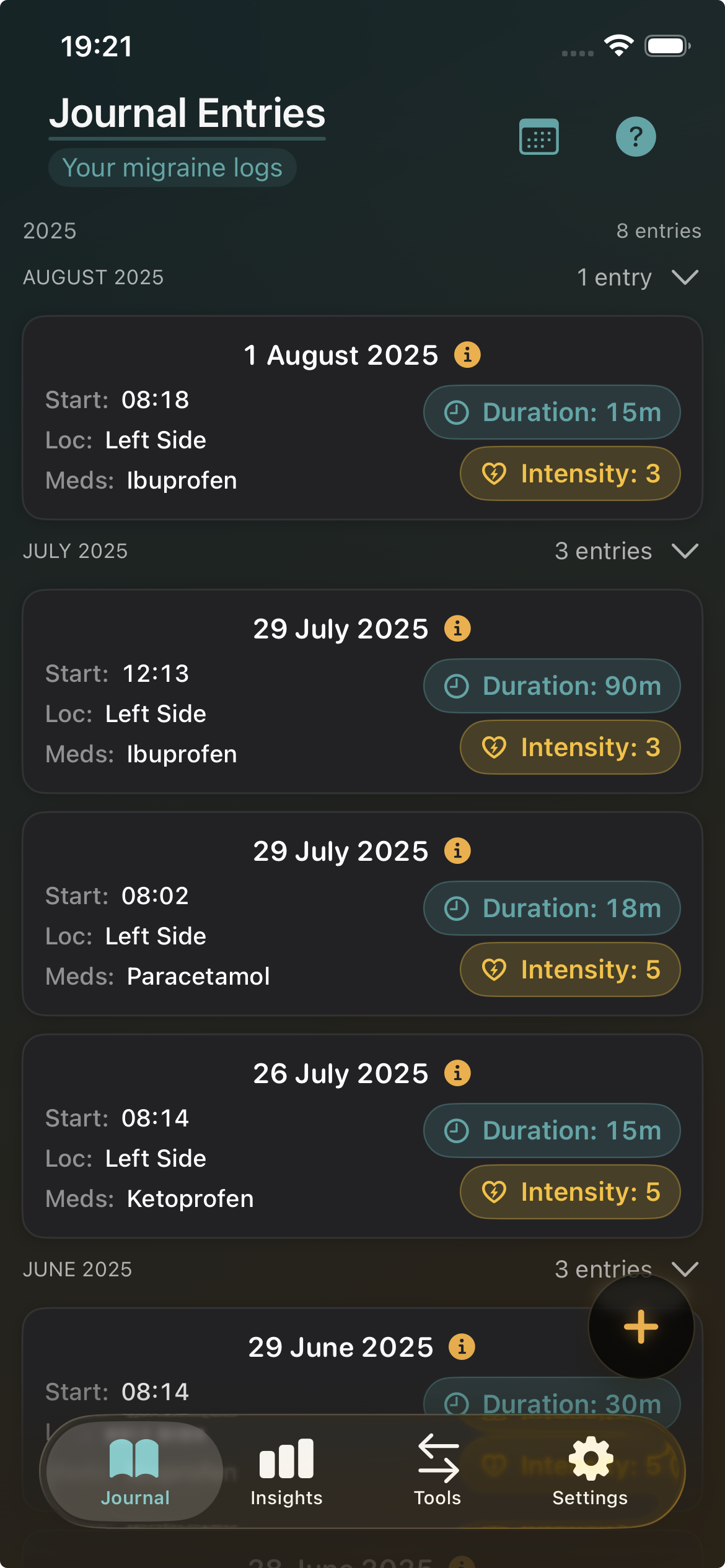
Capture episodes in seconds with a focused journal view that keeps duration, intensity, and medication details easy to review.
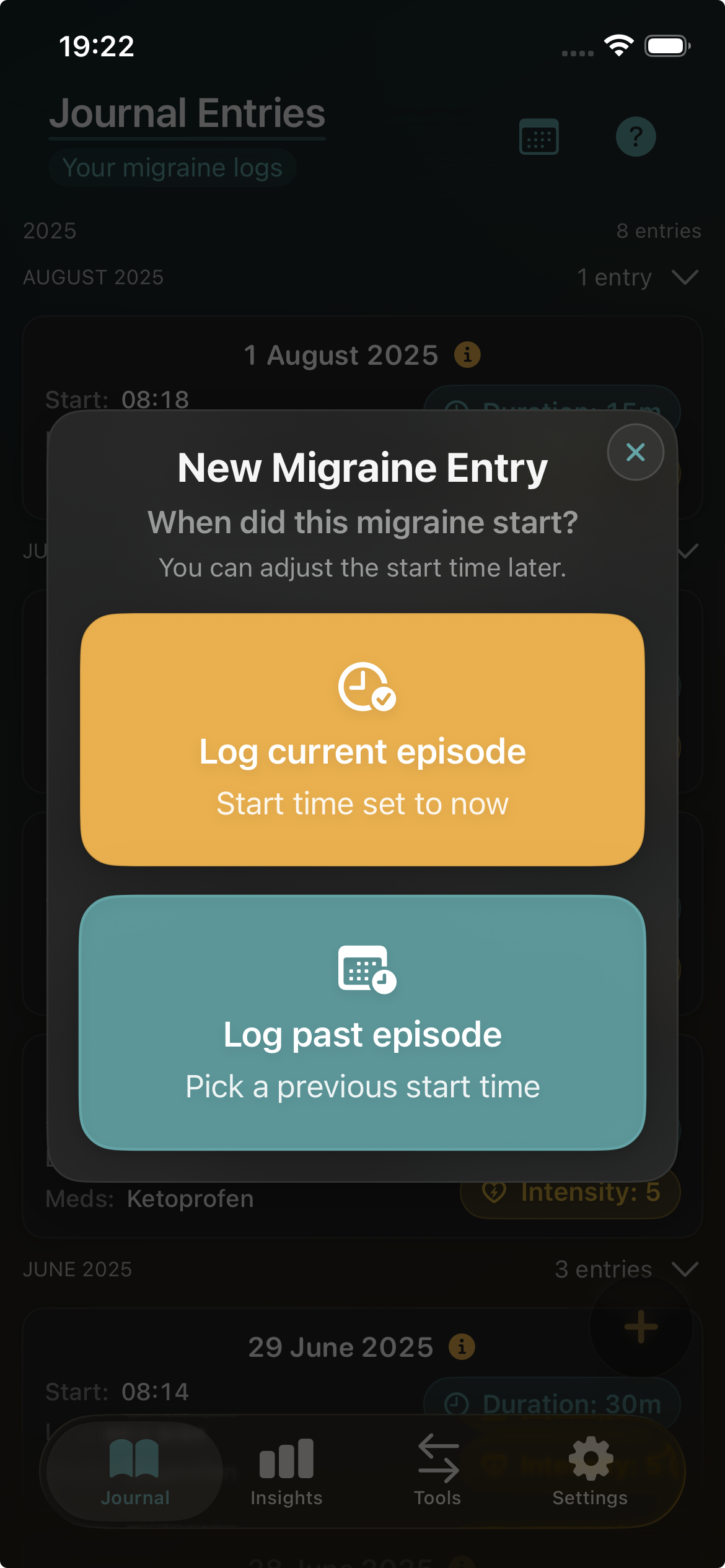
Start an ongoing migraine immediately or add a past episode later with a focused flow that stays simple when you need it most.
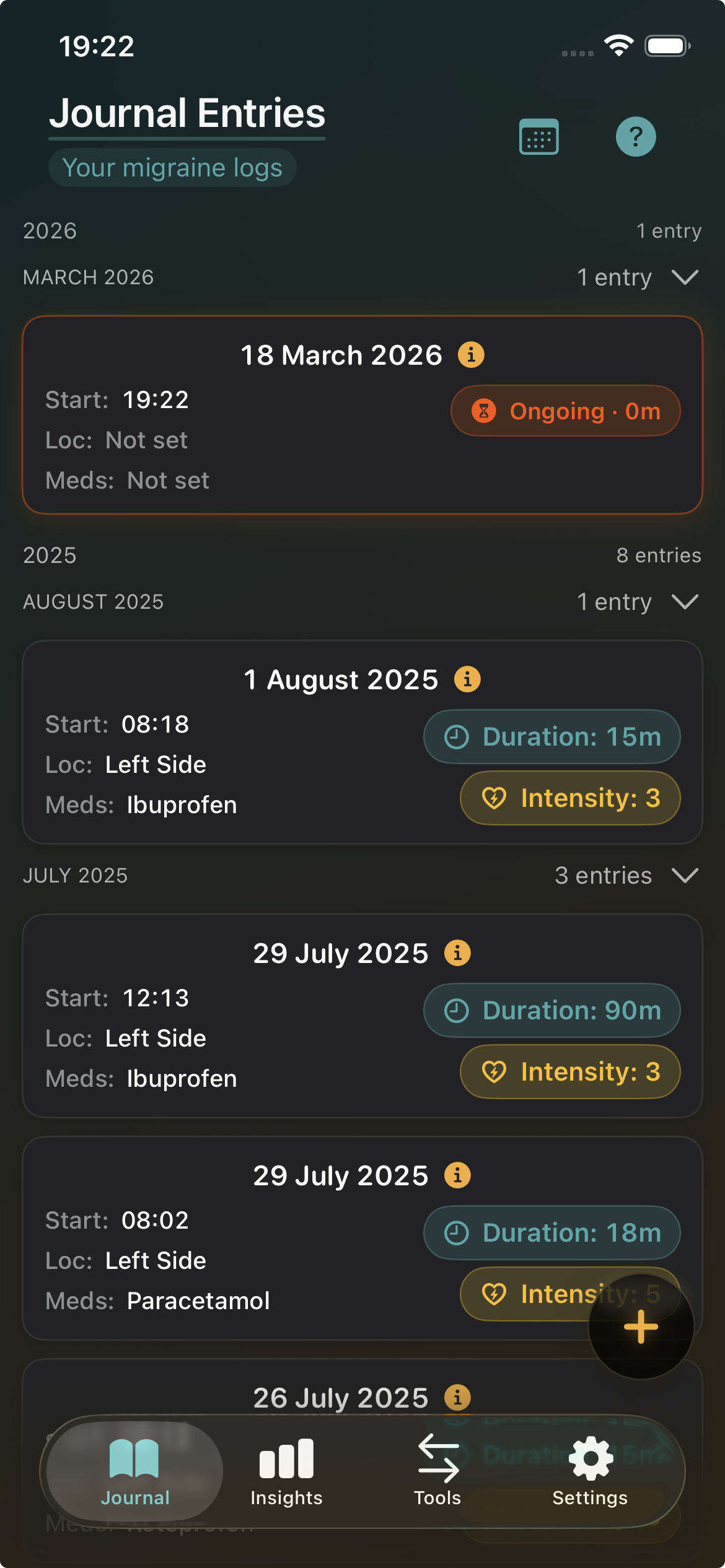
Browse your migraine history in a clean timeline that keeps dates, symptoms, medication, and severity easy to revisit.
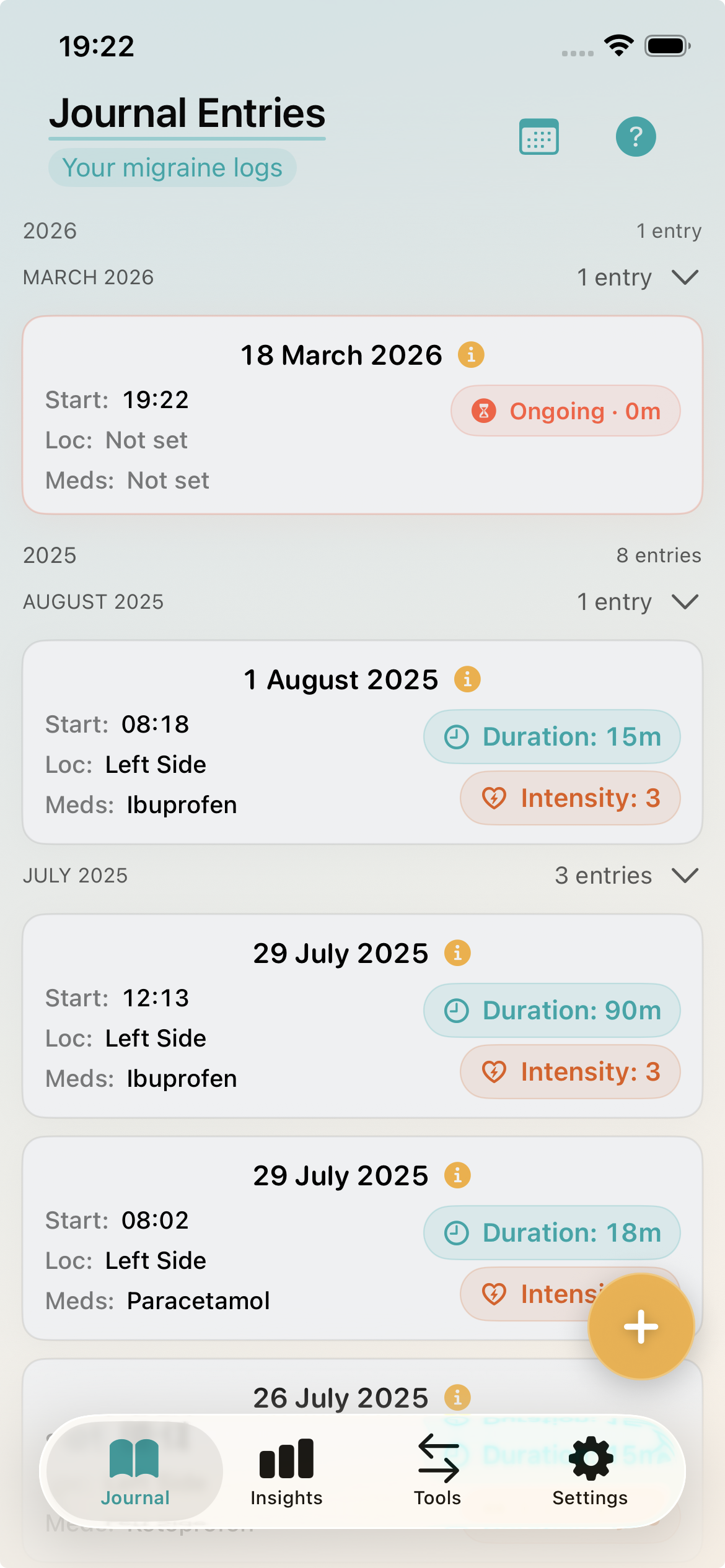
Switch to a clean light appearance that keeps your migraine timeline readable while preserving the same fast journal workflow.
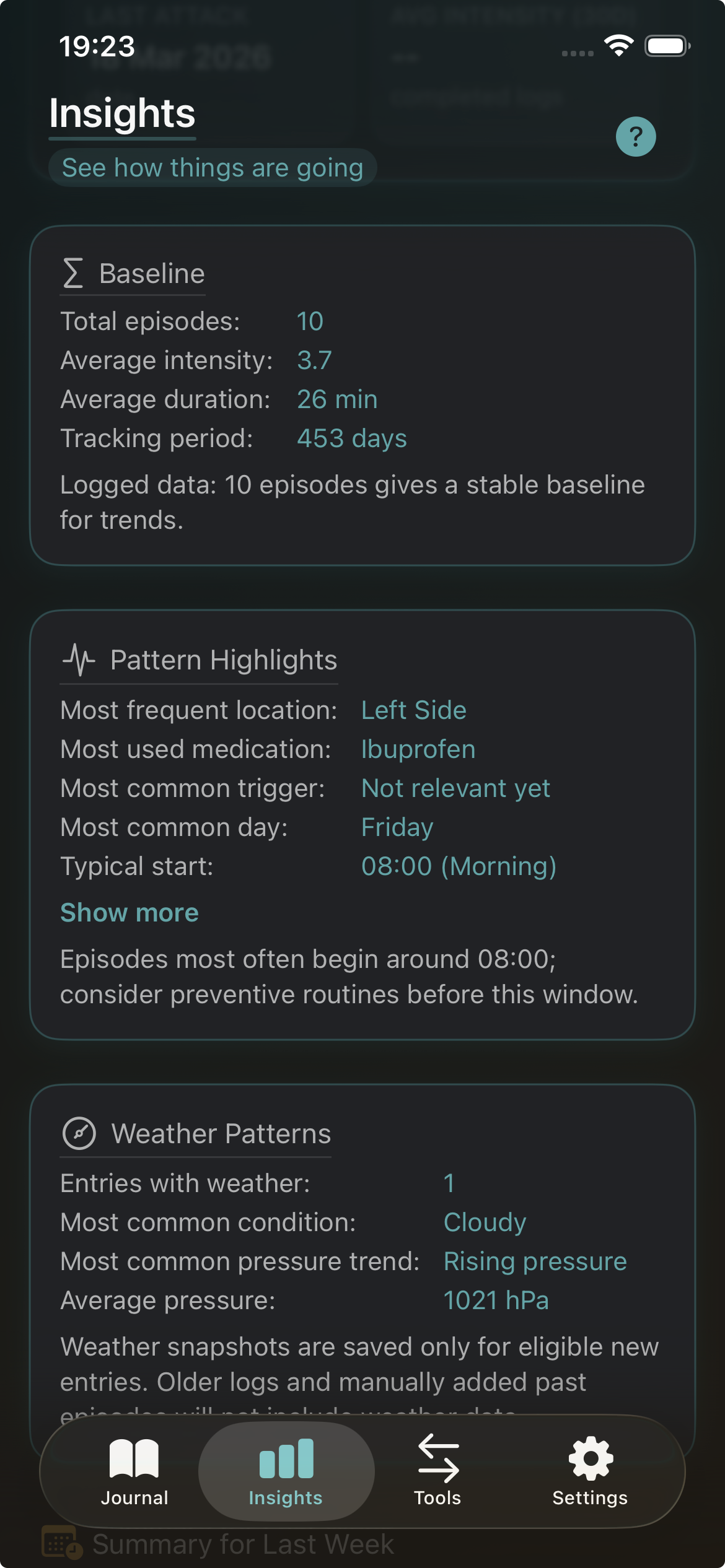
Get a clear snapshot of migraine-free streaks, baseline stats, and pattern highlights in one refined insights view.
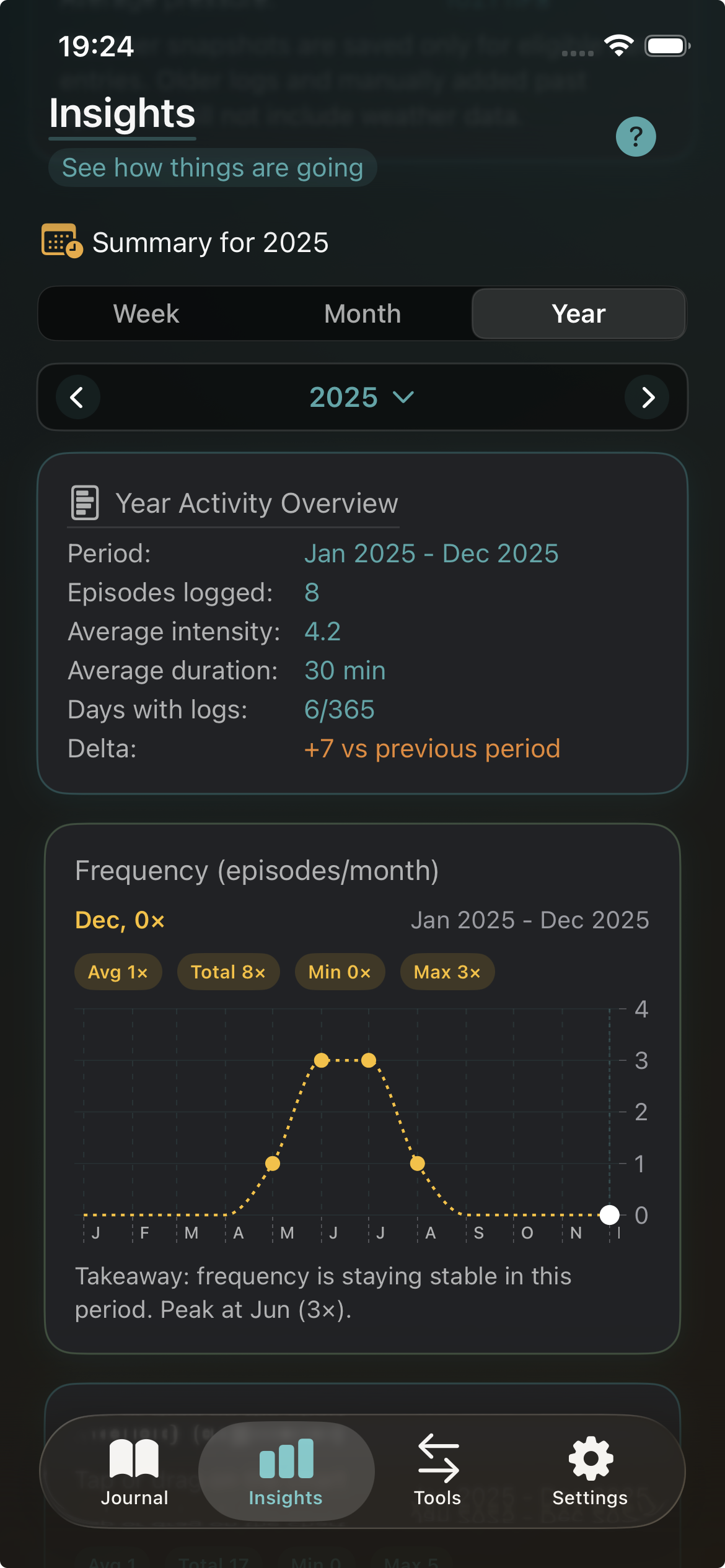
Explore yearly summaries, frequency charts, and averages to understand how your migraine patterns evolve over time.
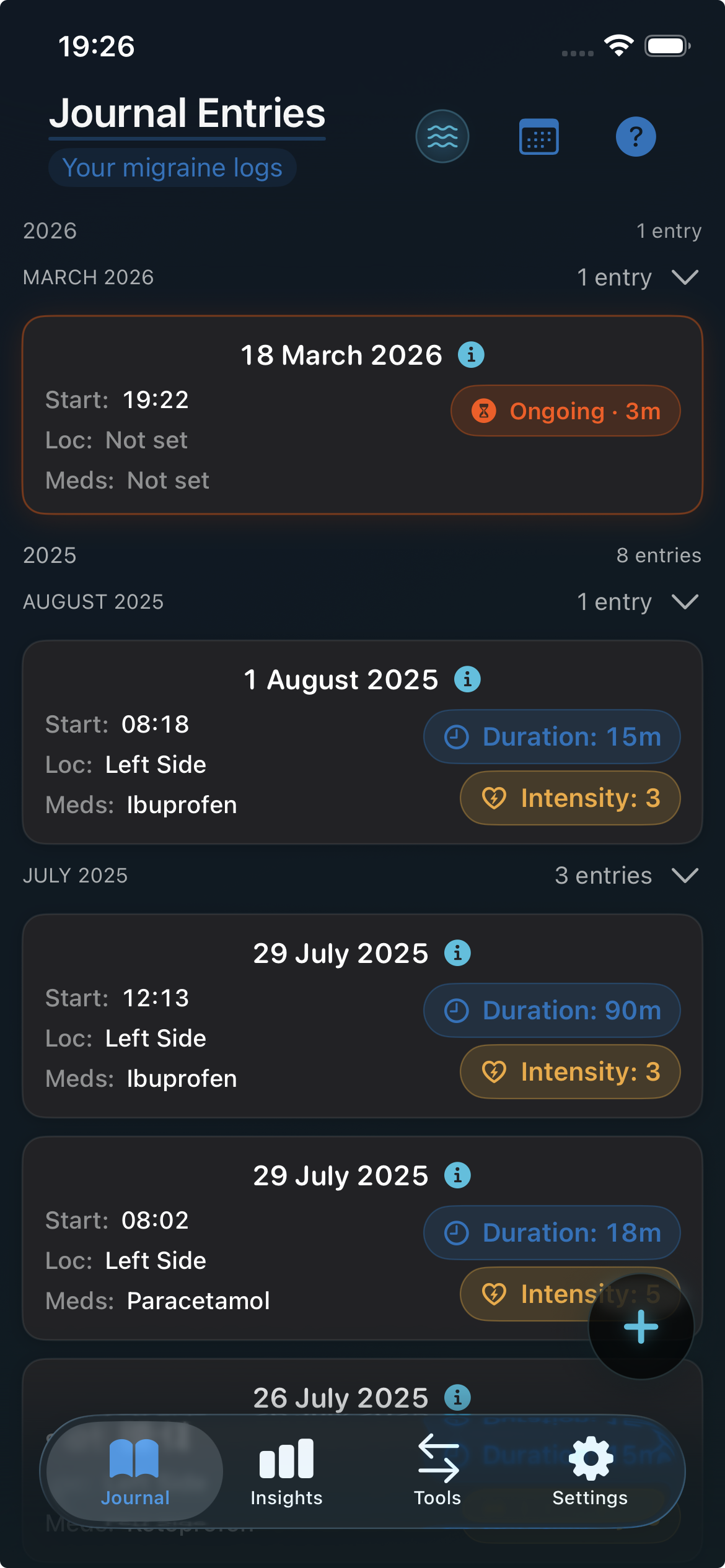
Choose a look that feels comfortable, with theme options that make the journal feel more personal without adding clutter.
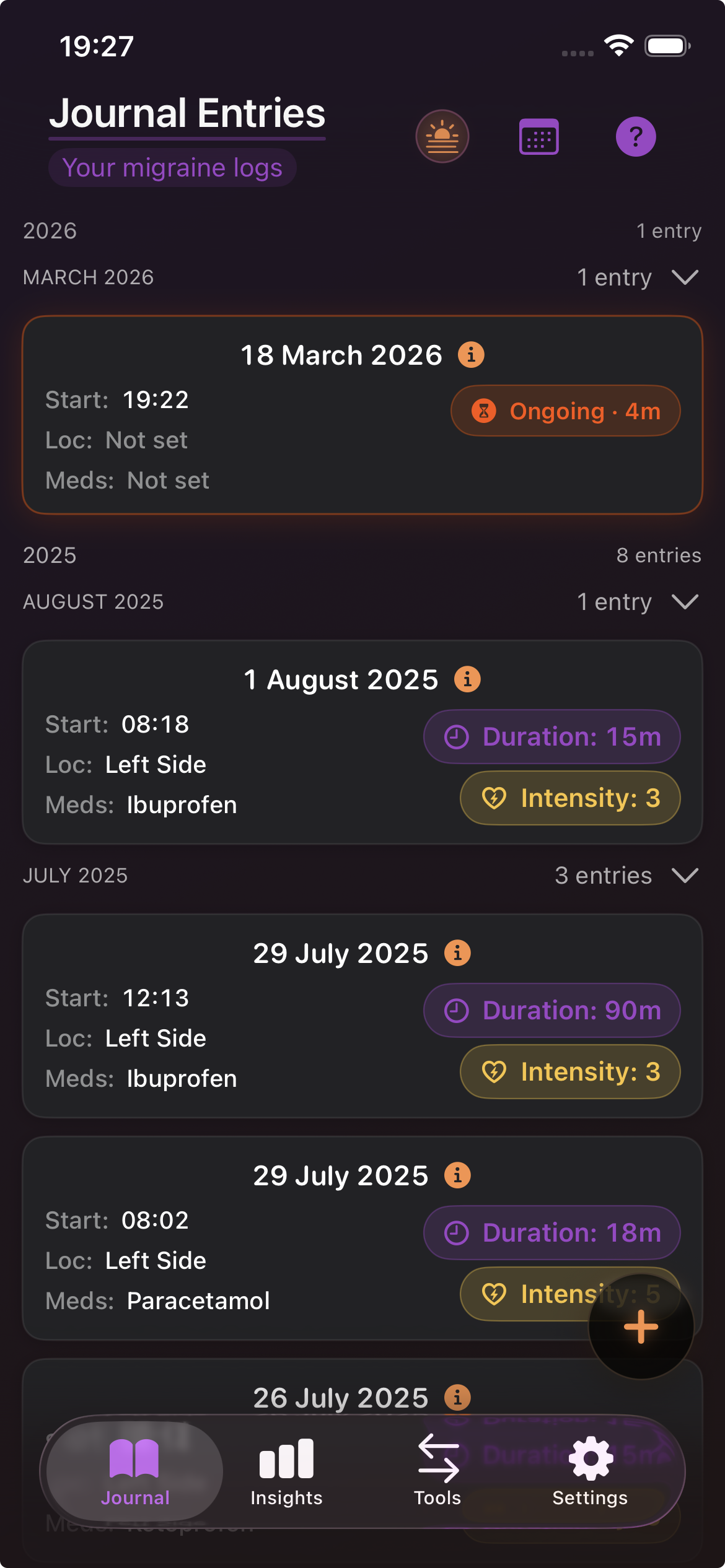
Preview alternative color themes while keeping the same entry structure, history view, and quick access to migraine details.
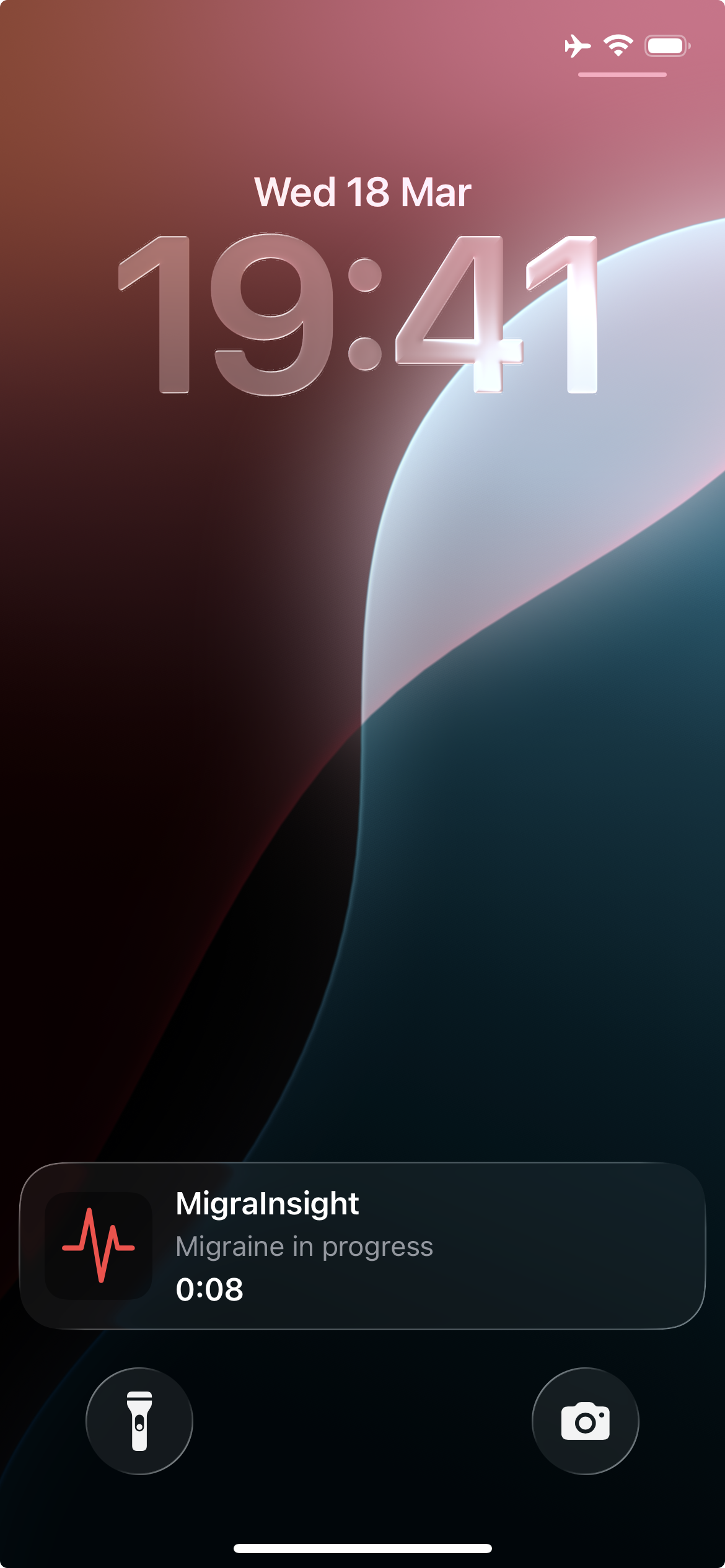
See the current episode at a glance with a Live Activity that keeps elapsed time visible without reopening the app.
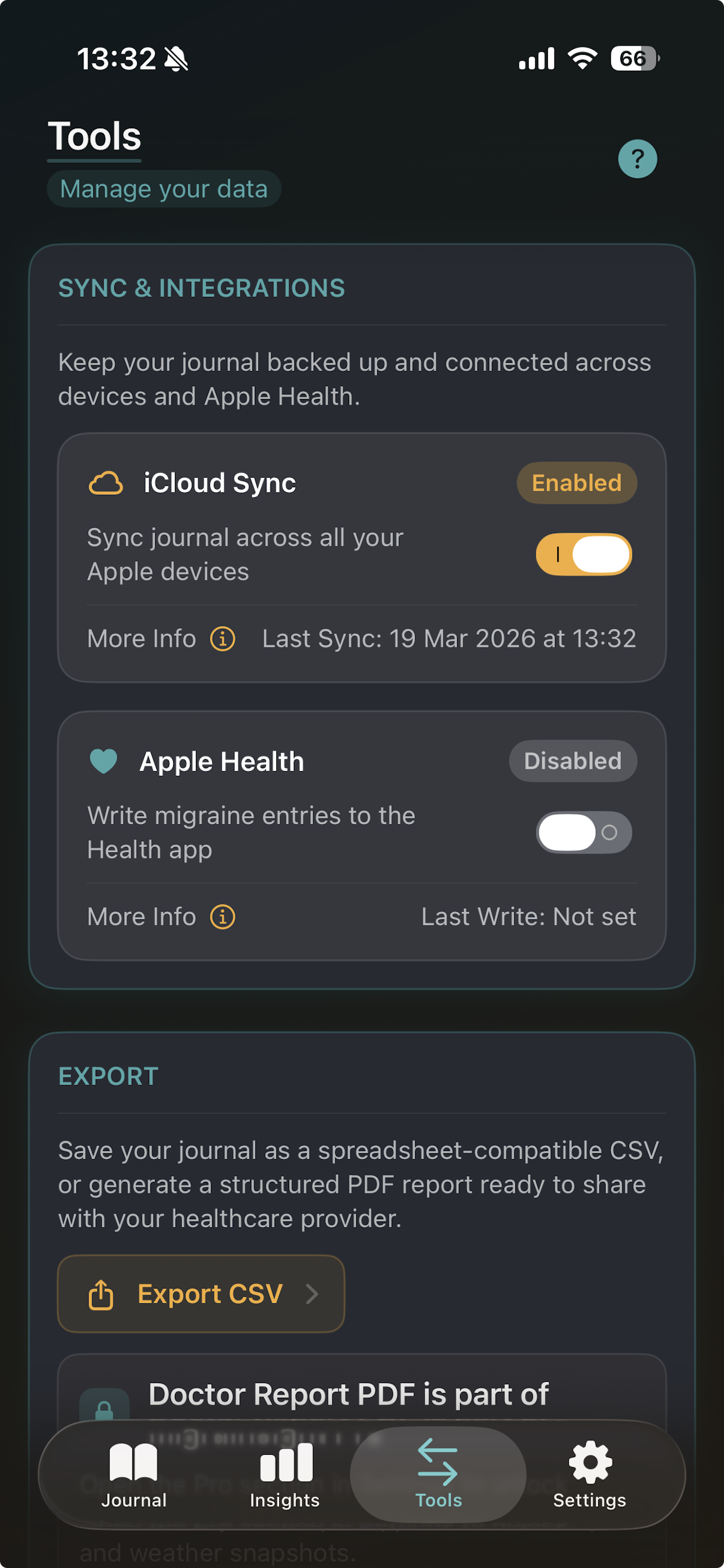
Use the available sync, health, and export tools on your platform whenever you want full control over your migraine data.
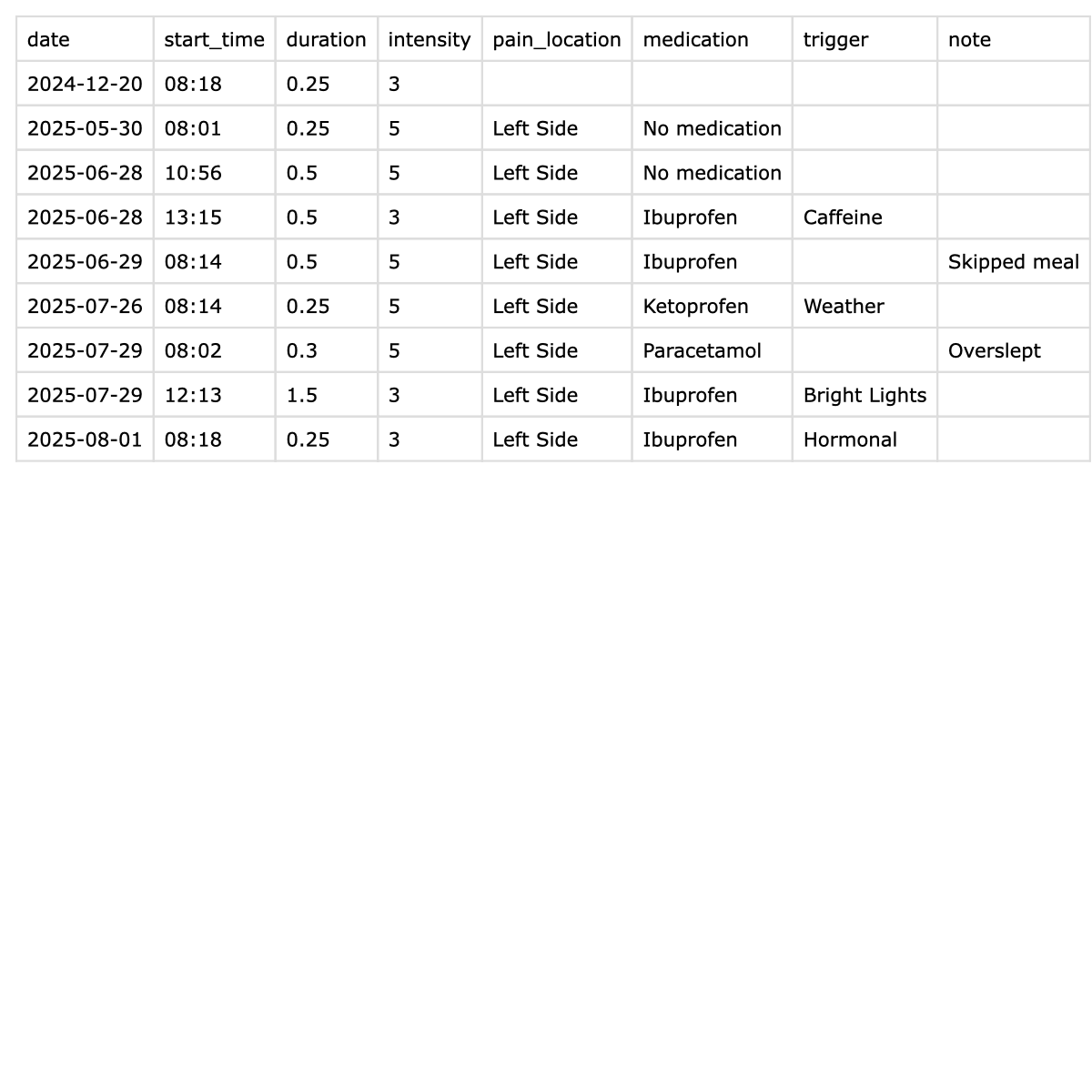
Save your entries in a simple tabular format you can open in Numbers, Excel, or import back into MigraInsight later.
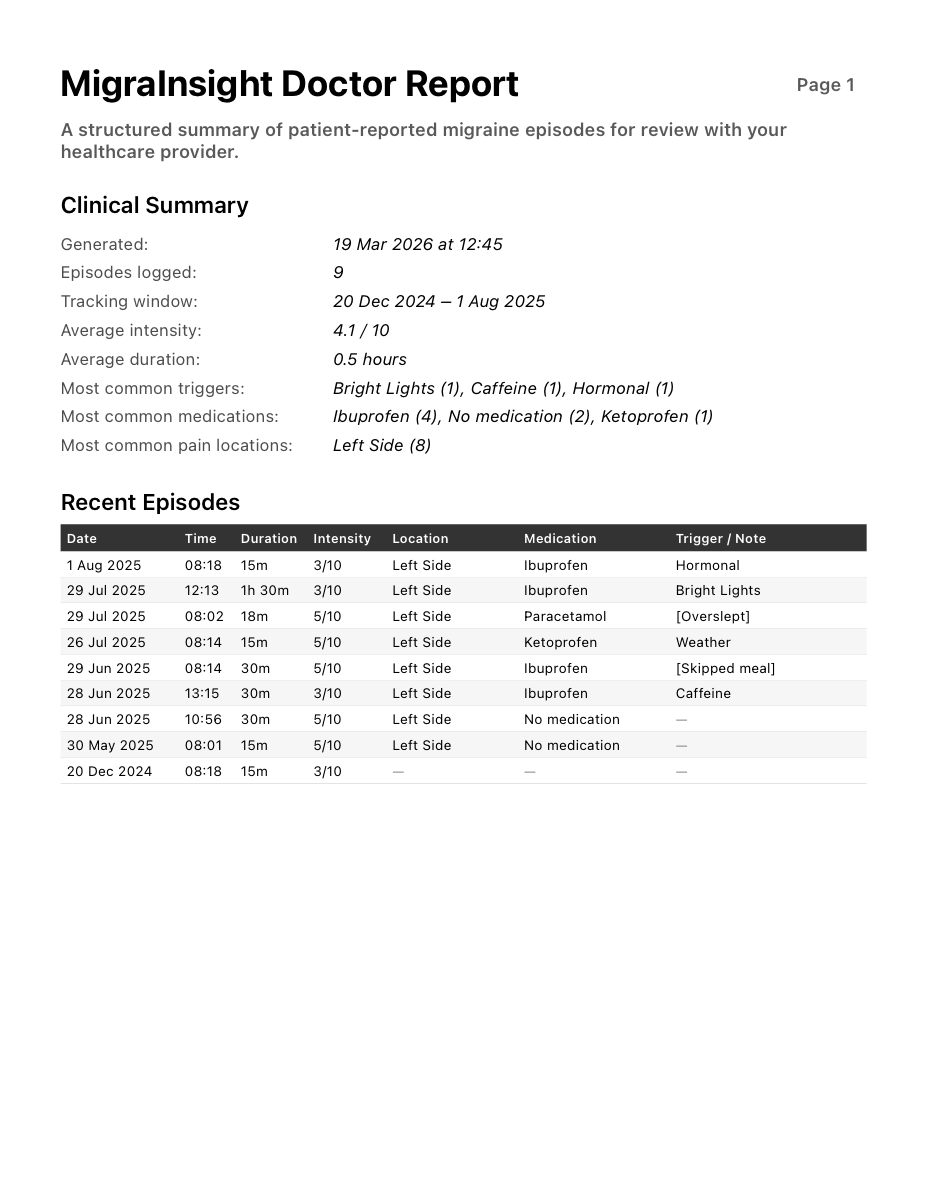
Create a clean summary with recent episodes, averages, triggers, medications, and weather context so appointments can start with the essentials.
MigraInsight is private by design. Your migraine data stays on your device unless you choose optional features such as exports, supported platform sync or health integrations, or Pro weather snapshots that rely on platform services. For full details on what is stored, which optional permissions the app requests, and your control over that data, read the Privacy Policy.
Questions or feedback? Send a message below.